
How to Make Your Devices Work Better for Your Routine

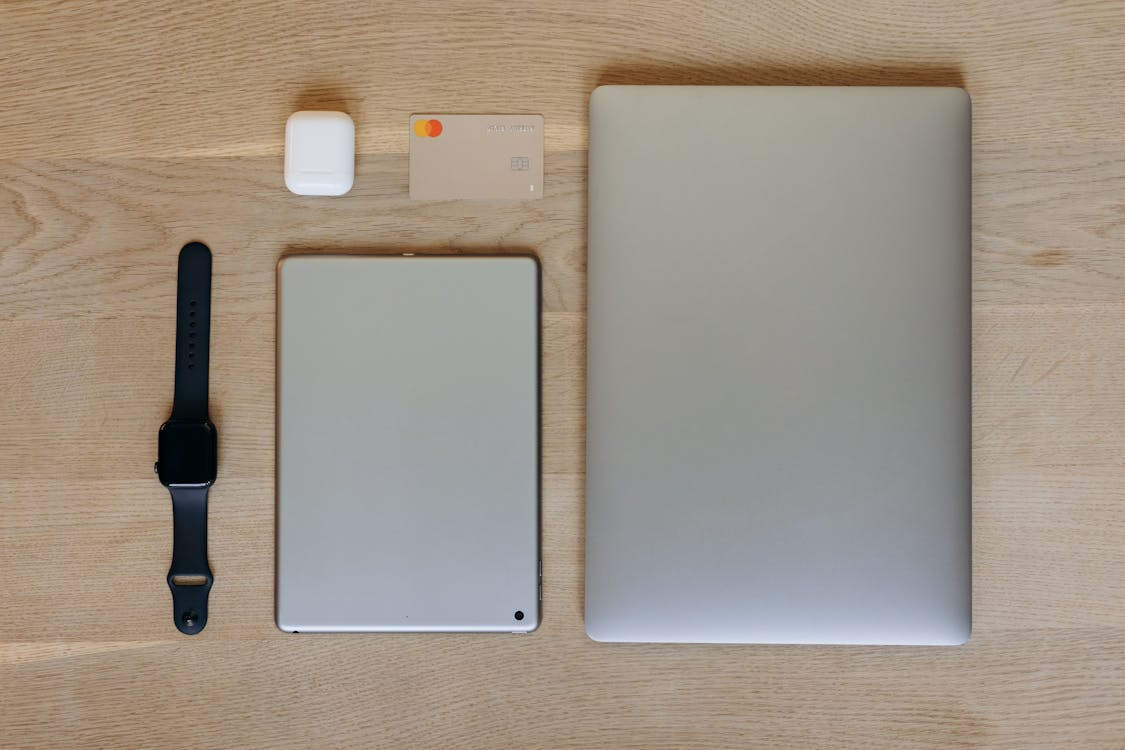
We all rely heavily on our computers and smartphones just to get through a normal day. But, it often feels like we are the ones adjusting our daily habits to suit our technology, rather than the other way around. If you want to make your devices work better for your routine, you have to take back control of your software environment. For a lot of people, this means taking a hard look at how their laptops, tablets, and phones are actually set up right out of the box. Building a digital workspace that feels personal allows you to breeze through your daily tasks. However, it definitely requires a bit of upfront planning to make sure everything runs smoothly without annoying interruptions across all your different screens.
Match Software to Your Exact Setup
When you decide to customize your devices to match how you work, finding compatible software becomes your biggest priority. Finding an app that plays nicely with your exact setup is the only real way to keep your workflow stable all day. Since the tech world is split between Windows, Apple, and Android ecosystems, you will rarely find a magic installer that just works perfectly for every single gadget you own. For example, if you are looking into using free VPN on your Linux device, the experts at VPNoverview suggest double-checking that the software officially supports your specific operating system. Otherwise, you are just asking for random network drops right in the middle of a meeting.
Making sure everything is compatible is a huge deal because every operating system handles background processes differently. Trying to force the wrong software onto your system will just cause crashes and drain your battery life. Doing a little research beforehand guarantees a much smoother installation.
Choose Interfaces That Speed Up Your Morning
Once your core software is installed, you really need to think about how you interact with your device every morning. For power users, customizing visual layouts is great. You can arrange your essential tools to be front and center the second your screen wakes up, ensuring your daily routine starts smoothly before you even pour your coffee.
But let’s be realistic here. Not everyone wants to spend hours tweaking widgets just to check their email or see the weather. Many people just want a clean screen they can click around in without overthinking it. Luckily, modern operating systems let you easily pin your most important apps right to your dock or home screen. Whether you use complex widgets or just a simple grid of icons really just comes down to what makes your personal workflow faster and less stressful.
Manage Data Limits for Uninterrupted Work
A seamless routine also heavily depends on a reliable internet connection, especially if your day involves working from home or doing heavy research on the go. Free privacy tools and mobile data plans almost always come with strict limits on how much data you can use each month. Providers do this to keep their networks from crashing under heavy loads. You really need to take a hard, honest look at how much bandwidth you use on a daily basis to see if a limited service will actually work for your lifestyle.
If you are someone who constantly downloads massive software updates or streams high-definition video on your morning commute, hitting a data cap halfway through the month is going to be incredibly frustrating. Keeping an eye on your network usage for a few weeks is a smart way to figure out exactly what you need before you commit to downloading a specific software solution or upgrading your phone plan.
Bypass Restrictions for After-Work Entertainment
Your routine is not just about grinding away at work. It also includes how you unwind at the end of a long day. Many people just want to use their tablets or smart TVs to relax on the couch and watch a good movie. Unfortunately, streaming platforms are notorious for locking their best content behind geographical borders. If you are traveling abroad or want to check out a show that is only available in another country, you need a reliable way to virtually change your location.
Streaming giants actively block known server IP addresses all the time. If you plan on streaming regularly to decompress, you really need to find a service built specifically to sneak past those geographical blocks without ruining your evening downtime with endless buffering screens.
Automate Repetitive Tasks for a Smoother Day
Another incredible way to make your devices work better for your routine is by automating the little things that eat up your time. Think about how many repetitive actions you perform every single day across your phone and computer. Opening the exact same five tabs every morning, organizing your messy downloads folder, or manually backing up your important photos can easily be handled by built-in automation tools. Letting your devices handle these boring chores frees up your mental energy so you can focus on things that actually matter.
On top of that, getting a handle on your digital notifications is a total game changer for your daily focus. Constant pings and popups completely derail your train of thought and drag your attention away from your actual work. Taking just five minutes to tweak your notification settings means only the truly urgent alerts will bother you while you are trying to be productive. You can easily set your phone or computer to only show emails or messages at specific times of the day. This simple change allows your devices to finally support your concentration instead of constantly ruining it.
Keep Your Devices Synced and Ready
Beyond just managing notifications, making sure your files are accessible wherever you go is a massive part of a smooth routine. Nothing throws off your morning quite like realizing the document you need is stuck on your desktop at home while you are sitting in a coffee shop with your laptop. Setting up a secure, automated cloud syncing solution ensures your important folders update quietly in the background across all your hardware.
Whether you use a major cloud provider or a personal home server, having your laptop, phone, and tablet perfectly in sync means you can pick up exactly where you left off. This level of organization removes so much daily friction because you never have to email files to yourself ever again.
Making your devices work better for your routine is all about creating a comfortable environment where your technology actually supports your daily habits. By prioritizing cross-platform compatibility, automating boring tasks, and managing your notifications, you can build a highly efficient digital workspace. Taking the time to customize these settings across all your screens will ultimately save you from countless headaches down the road. Ultimately, a well-maintained ecosystem of devices translates directly into a much more focused, productive, and enjoyable day.
Written by Rahul Kumar Singh
Tech enthusiast who finds joy in coding and playing games
Comments 0
No comments yet. Start the conversation!
Related Stories
The Small Tech Tweaks That Make a Big Difference
It’s easy to think that fixing a sluggish phone or laptop means dropping a ton of cash on a brand-new device. Sure, buying new hardware works, but you’d be surprised by how much life you can squeeze out of your current gadgets just by tweaking a few settings. Spending just a few minutes digging into […]
How to Get More Out of the Devices You Already Own
A strong urge to replace smartphones and laptops often strikes the moment a newer model arrives at the local electronics store. Vast amounts of money flow into advertising campaigns designed to convince buyers that their current gadgets are hopelessly obsolete. However, the devices sitting on desks right now still possess an enormous amount of computing […]
Why An Affordable eSIM Makes Sense For Smart Travelers
Careful plans for foreign tours bring excitement, long checklists, and important travel decisions. Travel eSIMs offer real convenience through digital setup and fast mobile data access abroad. Strong connectivity and steady data access keep maps, messages, and bookings within reach overseas. An affordable travel eSIM delivers practical data solutions without extreme roaming charges abroad. This […]
How to Make Your Devices Work Better for Your Routine
We all rely heavily on our computers and smartphones just to get through a normal day. But, it often feels like we are the ones adjusting our daily habits to suit our technology, rather than the other way around. If you want to make your devices work better for your routine, you have to take […]
How to Design Social Media Posts Quickly: A Practical Guide for Fast, High-Quality Content
Designing social media posts quickly is a common challenge for creators, marketers, and small teams. Deadlines are tight, trends move fast, and visual quality still matters. The best way to speed up your workflow is to combine simple design systems, smart tools, and repeatable processes. When done right, you can create scroll-stopping posts in minutes […]

I Didn’t Throw Away That Old Xbox Gift Card And You Shouldn’t Either
A couple of months ago, I was helping my roommate clean out his laptop before selling it. We were deleting old accounts, clearing browser history, and wiping saved passwords. That’s when he pulled up an email from 2022 with the subject line: “Your Xbox Gift Card Is Ready.” He laughed. “Oh yeah, my aunt gave […]